
About
Making visible what you do best
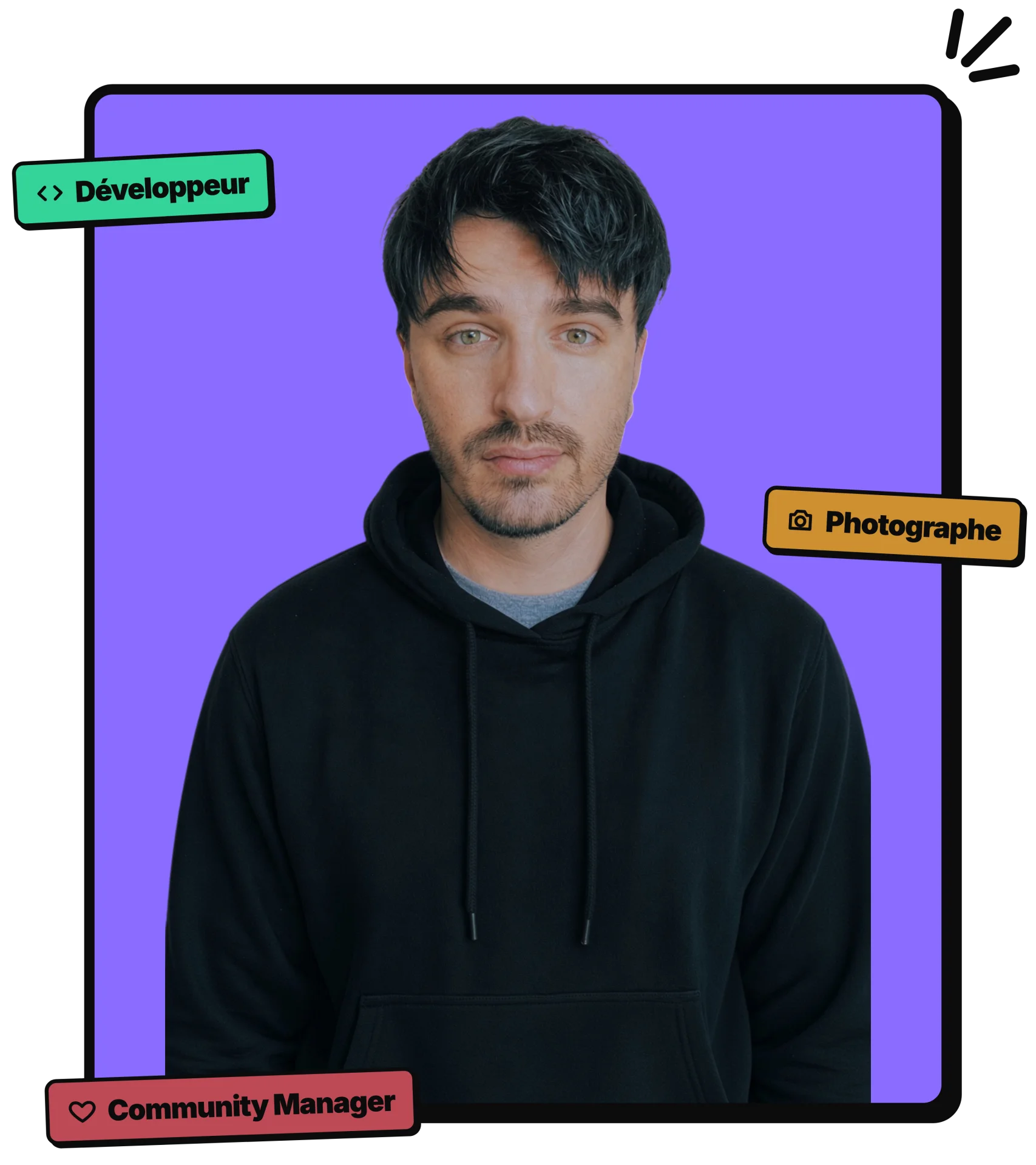
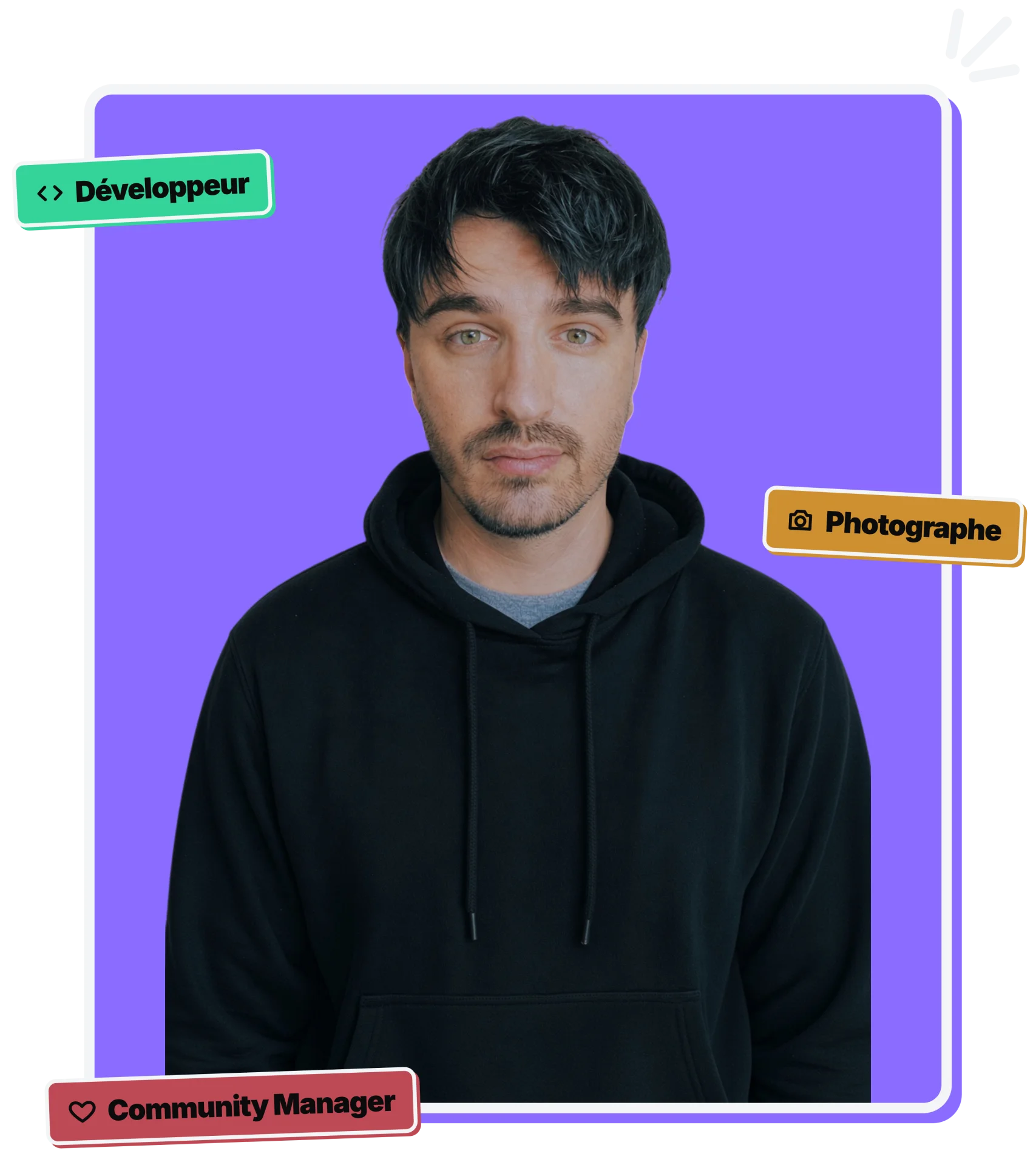
My name is Axel Raboit. Web developer, photographer and community manager.
These three trades serve the same purpose: making what you do well visible. A presence on social media, a site that looks like you, pictures that feel like you.
Tech and lifestyle speak to me most, craft and retail just as much. What matters is that people understand what you sell, and want to buy it.
For now, I work full time as a web developer, on a permanent contract. Development, photography and social media management are freelance work I do in my free time, in the evenings and at weekends: so I choose my projects to be able to follow each one properly.
01 · Web development
Websites built on Aurora, my own CMS
The site you are reading runs on Aurora, the CMS I built and maintain: Symfony on the server, Vue.js in the interface, grid content, multilingual and media library included.
It is also what I deliver to clients: a site they can keep alive themselves, without depending on me to change a sentence.
Inside Aurora
Three examples of what your pages and suite can do, each with its screenshots.
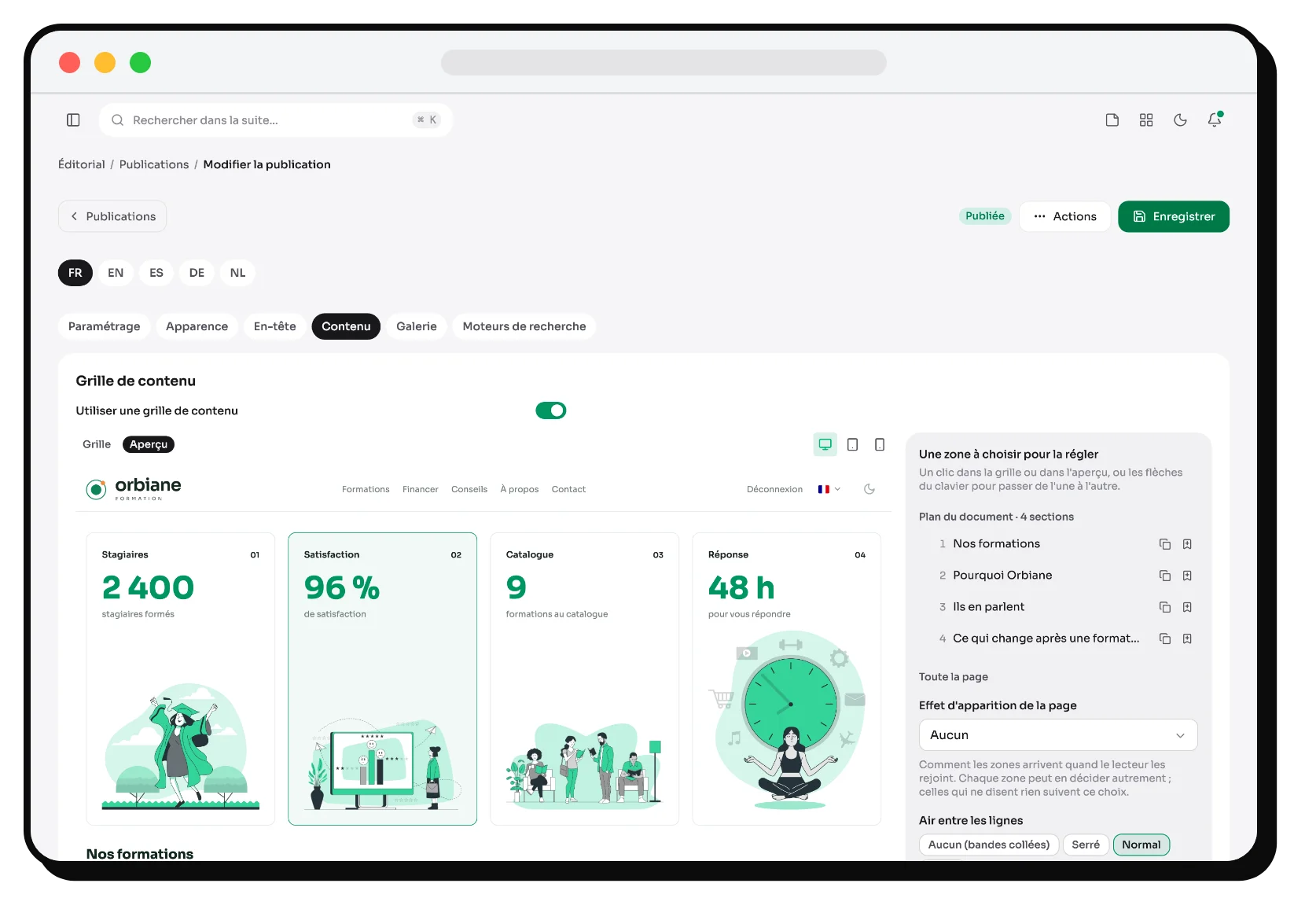
Composing a page
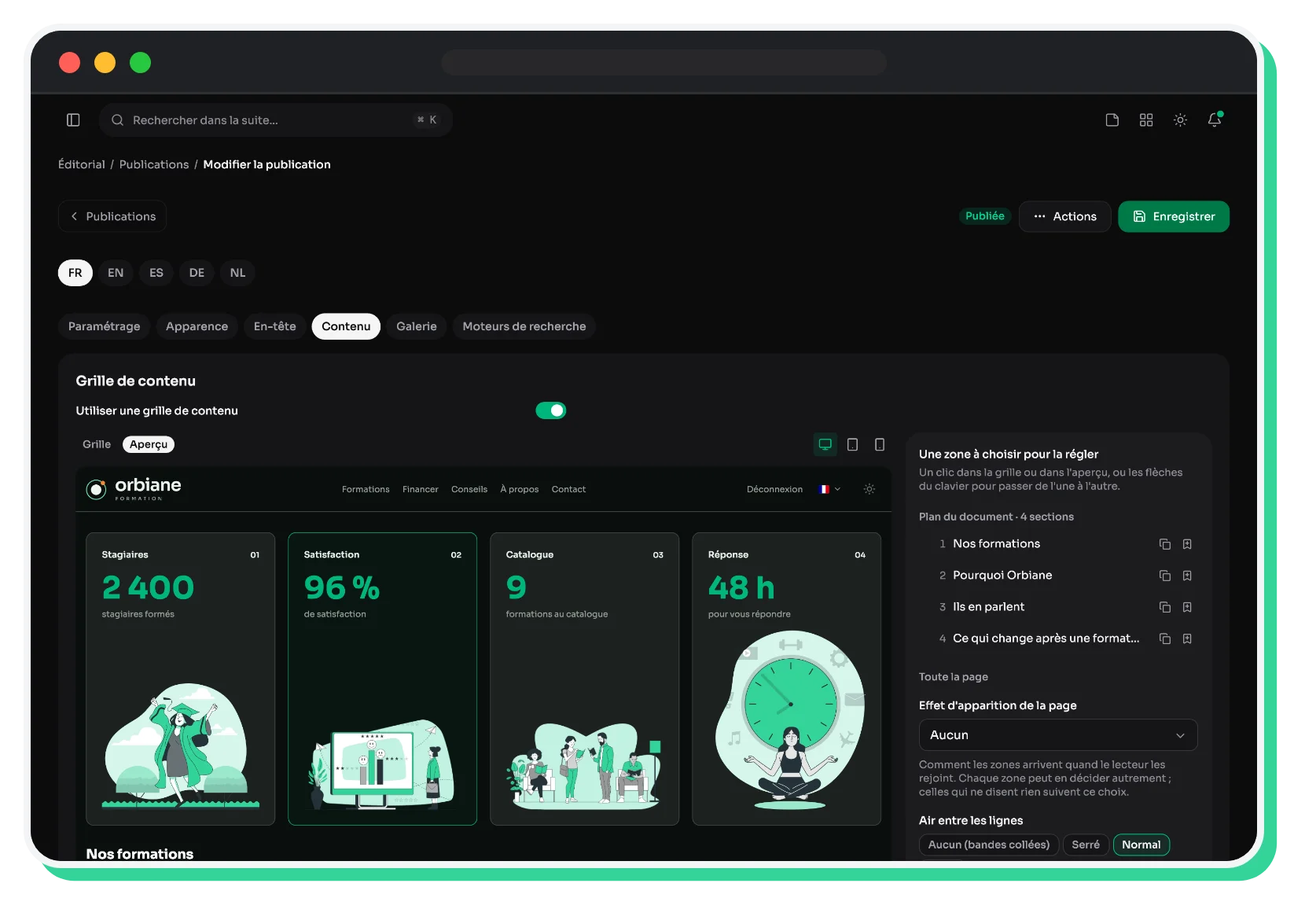
A page is laid out on a 48-column grid, with 47 zone types, without writing a line of code.
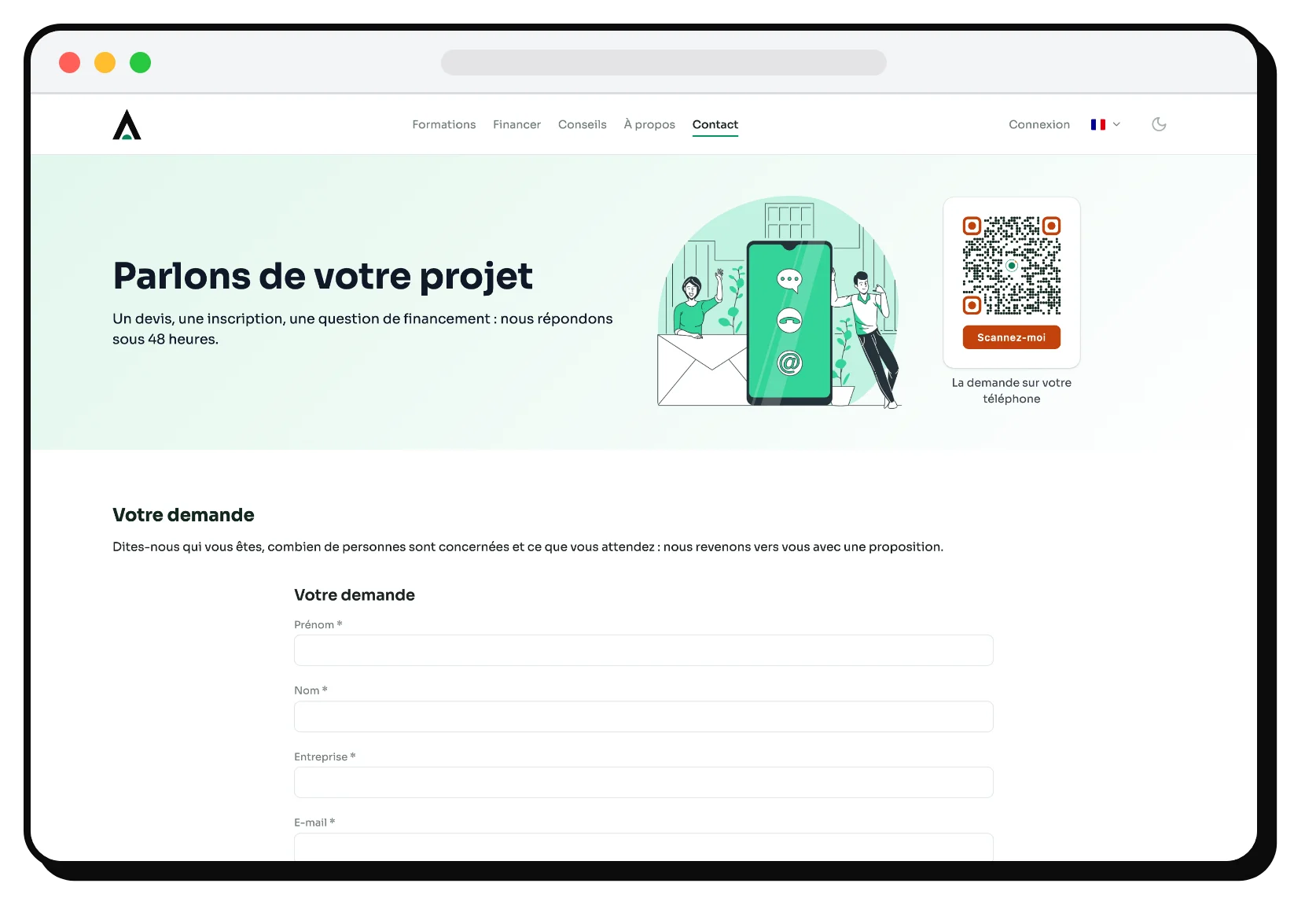
Blocks, as visitors see them
What the grid's zones give on the public site: practical, charts, map, prices, quote, picture story.
The page header
The top banner is set next to the content, with a preview that follows every change.
Publish, schedule, archive
Draft, review, schedule, publish, archive, trash: nothing goes out by accident.
Multilingual, one layout
Every publication exists in each of the site's languages, with its own words and its own address.
Search engines, no plugin
Titles, descriptions, indexing, sitemap and RSS are part of the product, not a third-party module.
Photo galleries
A gallery is added under a publication without touching the rest of the page.
Forms
A form is built question by question, with a live preview, collects its submissions, and notifies by email. A page can also run a poll.
QR codes
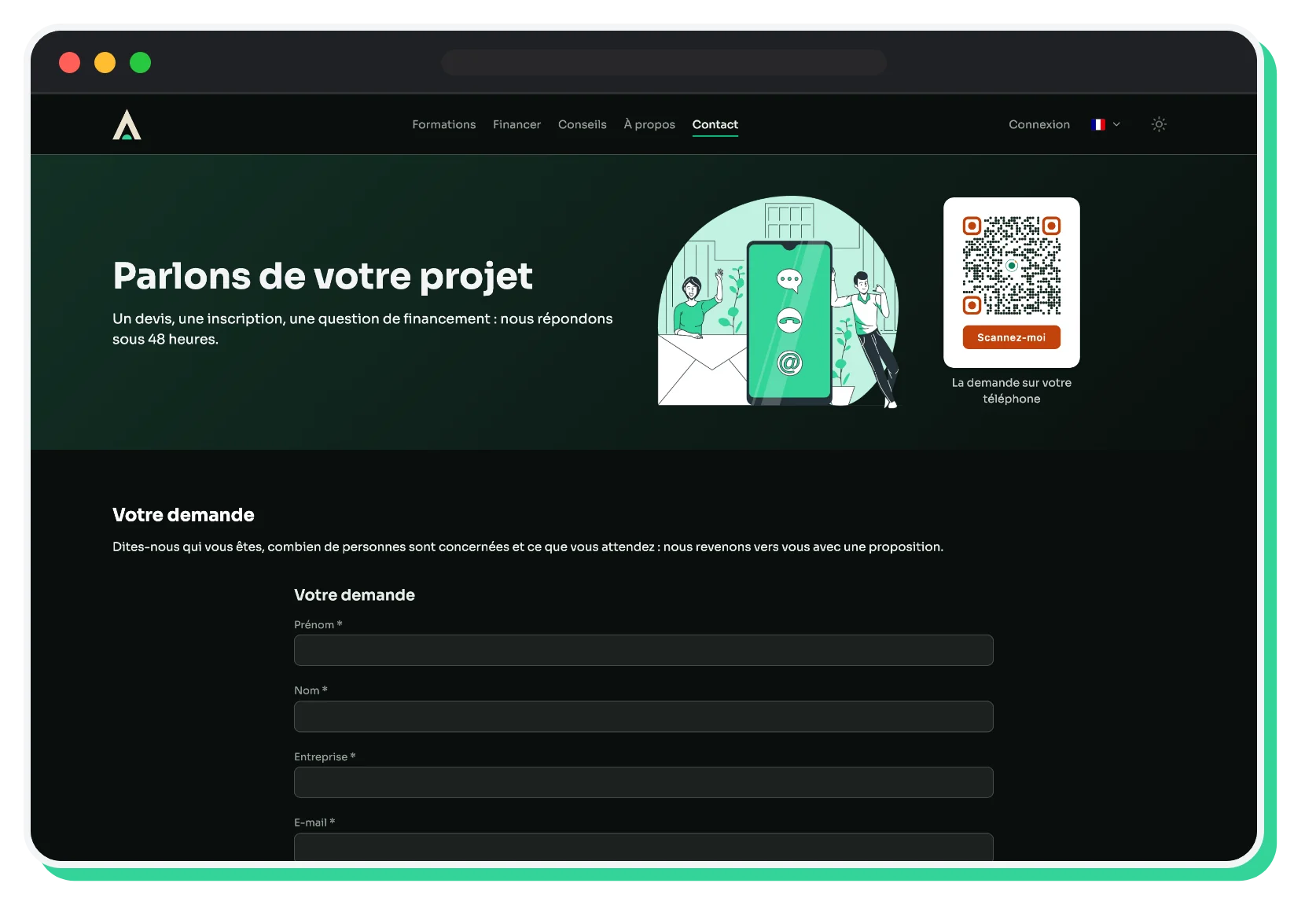
Saved, styled and checked QR codes: twelve contents including the site's pages, a logo, dynamic codes that count their scans, and a sheet to print.
Hosted pages
Self-contained HTML pages, served at their own address, created in Tools › Artifacts or by an AI such as Claude Code, with an access token.
Tools
The small utilities a site needs: short links that count their clicks, redirects, broken links checked every night, an e-mail signature, the golden hour to plan a shoot, and a calculator you type the way you speak.
Menus
Navigation is composed in the suite, and points at things that actually exist.
Content types and fields
Beyond pages and articles, a site can have types of its own, with their own fields.
Accounts, roles and privileges
Everyone sees what concerns them: rights are granted screen by screen, not in bulk.
Security and personal data
What the tool does by default: hashing, attempt limits, encryption at rest, privileges, an audit log, and retention periods the code enforces.
The developer area
What stays with whoever installs: modules, languages, storage, the site's emails, integrations, access requests, the audit log and privileges.
Site styles
Classic, Sketch or Poster: how the site is drawn is chosen in the theme, apart from its colours, and a custom style can be added.
Theme, logo and favicon
The site's colours and style (Classic, Sketch, Poster or custom) are chosen in the suite, and change the public rendering.
Settings and modules
Each site switches on only what it needs, and integrations run on the client's own account.
Bookings
A page takes appointments, you offer some yourself or send a personal link: everything lands in one place, in Scheduling, next to the calendar.
Customers and contracts
A customer record, a versioned template, a contract sealed then signed online, with its amendments and its termination.
Signing a contract
What the client sees: the contract to read, their identity, their signature, a code by email, a reasoned refusal or a request for changes.
Client spaces
One space per engagement, a shared content plan, and a client who approves without an account.
What the client sees
Their space, with no account: the calendar, the discussion, the files and the deliverables, and their answer on each content.
Deliverables and presentations
Pages and slide decks written to be read or presented: kept to yourself or shared with the team, and sent by a link.
Notifications
The bell and email, set notification by notification: everyone picks their own, and the site sets what applies to all.
Vehicle fleet
Follow a team's vehicles: the meter moves on by itself between two readings, the service book says which service is coming, and a driver without an account sends in the mileage.
Kanban
Kanban boards, as many as you want: your own, shared with chosen people or open to the whole team, with their cards, due dates and labels.
Budget
Follow your accounts from your bank's statements: a month-by-month plan, operations filed by rules that learn, savings, credits and reports.
Transfers
Sending heavy files to a client through a link that expires, and asking for files: who downloaded what, the room left, and statistics since the first transfer.
The dashboard
The state of the site on one screen, a scratchpad always at hand, and a search that crosses the modules.
Applications
Each module opens as an application of its own, with its menu, its name and its colour, and installs on a computer or a phone.
Global search
One field, answered by every active module: publications, documents and calendars, grouped by kind and filtered by the account's privileges.
The trash
Whatever is deleted waits in one place, whichever module it came from, and comes back in one click until the purge comes round.
The public site
axelraboit.fr, the site you are reading, runs on Aurora. The front end is written by hand, with no bought theme and no imposed component library.
The suite on a phone
The whole admin fits in a hand: cards instead of tables, actions behind “…”, and the menu as a drawer.
Delivery and updates
The base is versioned and tested; a client site gets fixes without being rebuilt.
Two demos, two complete sites
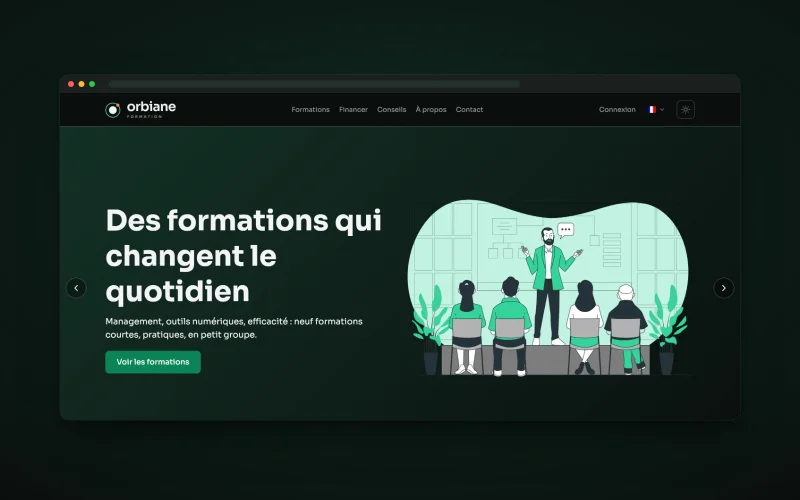
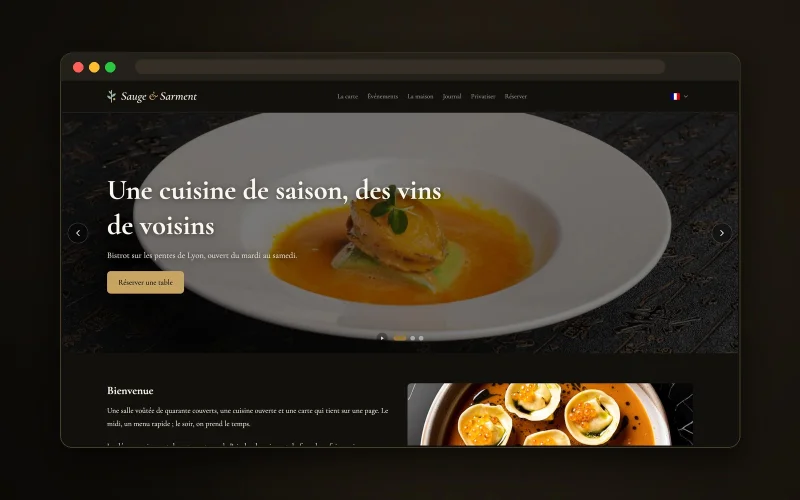
Orbiane Formation and Sauge & Sarment don't exist: they are demos, built with Aurora to show a whole site on a real subject, a training organisation and a bistro. Both are online, each with its own page detailing what it shows.
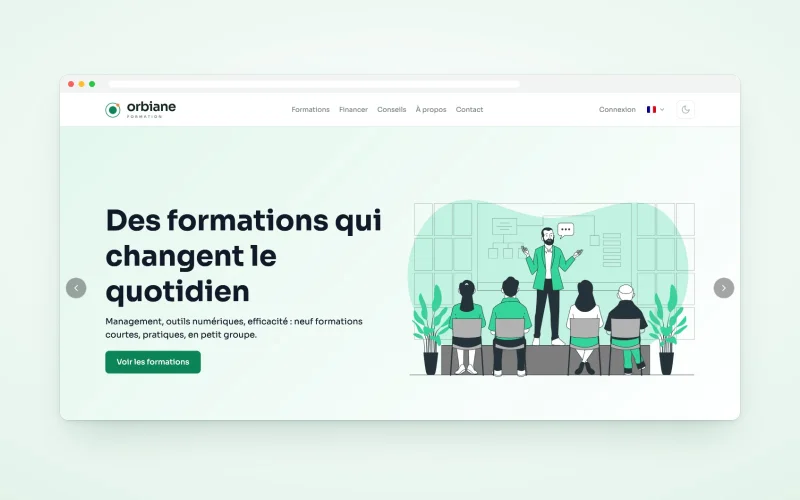
Orbiane Formation, demo site
A complete site for a fictitious training company, built with Aurora: catalogue, funding, articles and team, in five languages. Visit it online.
→
Sauge & Sarment, demo site
A complete site for a fictitious bistro, built with Aurora: menu, booking, private dining, events and a journal, in five languages. Visit it online.
→02 · Photography
Photos made for you, not pulled from a stock library
Reportage, portraits, events. They are also the pictures I produce for the accounts I run: photos made for you, not pulled from a stock library.
Below, a few pictures from my series. The full gallery gathers them all, and the photography offer explains how a shoot goes and how the photos are delivered.

Monument Valley, Arizona
03 · Social media management
Content that makes people want to buy
I start from what you already have, photos, videos, behind the scenes, and turn it into content that makes people want to buy.
Tech and lifestyle brands, creators and independents: strategy, creation, moderation and a monthly report, on one or two networks. Both plans are detailed on the dedicated page.
They trusted me with their social media
Two client accounts, two worlds: a consumer product and AI consulting. Each engagement has its own page, with the posts, carousels, stories and reels produced for it.
Off Record
AI consulting and training, two audiences reached without writing twice: adoption inside companies on Instagram, online training on LinkedIn.

→
Icepiration
Ice baths and portable saunas: a product whose benefits show better than they describe. Posts, stories and short formats.
→Working together
Tell me what you sell, and to whom
A product, a skill, a place: tell me about your business, the customers you want to reach and what you already have (a website, an Instagram account, photos, or nothing at all). No need for a detailed brief, a few lines are enough.
I will tell you exactly what I would put in place: a website, photos, social accounts that stay active, or just one of these pieces. What really serves your business, not an off-the-shelf package.
Since I take on few projects at a time, I will also tell you honestly whether I can follow yours properly.
My profiles and networks are at the bottom of this page.
Shall we talk?
The simplest way is to write to me. I answer quickly, and always with something concrete rather than a vague quote.